Nydli on a phone
We haven't built a separate phone app, so there's nothing to install. When you open Nydli on your phone, everything is there, exactly as you left it.
A phone screen holds less, so we keep what you use most in front of you and fold the rest away.
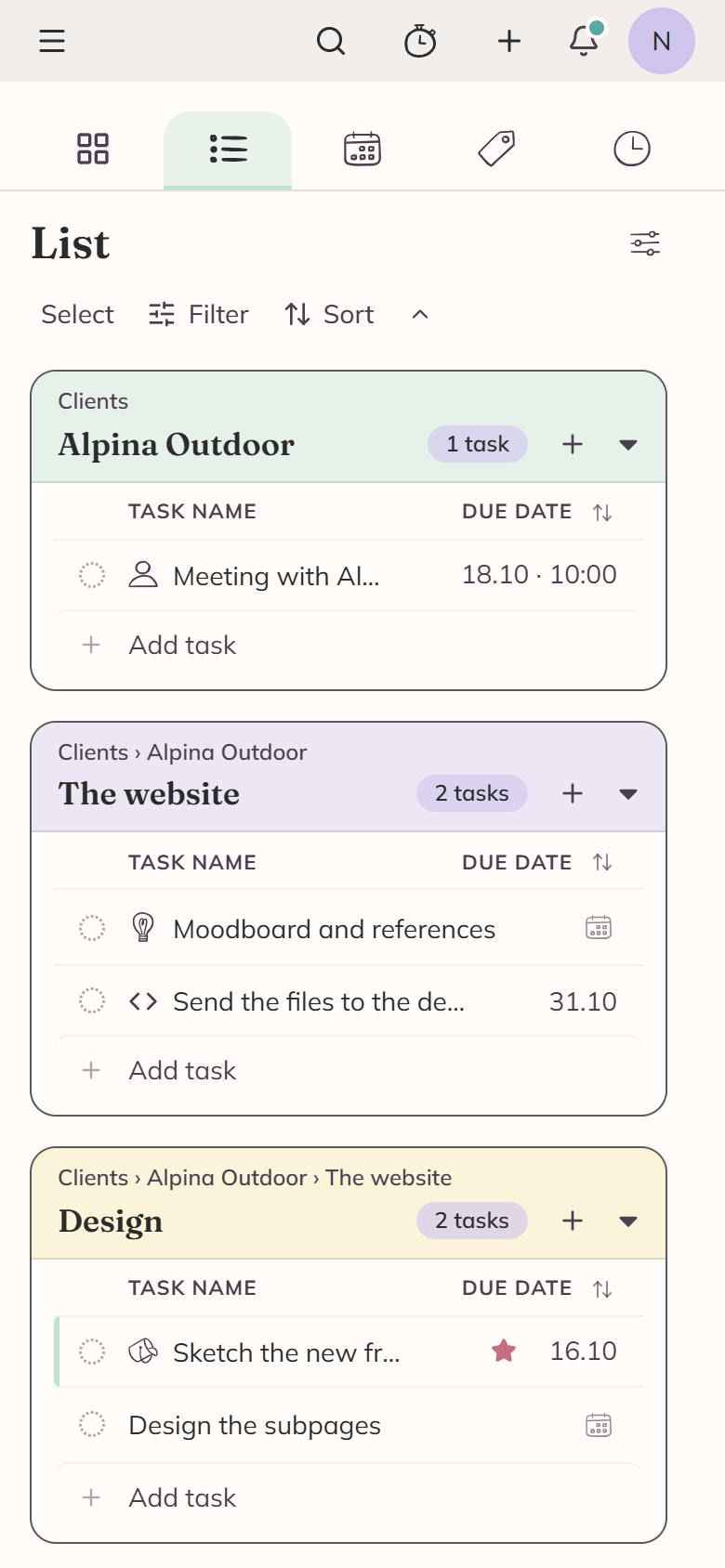
The five things you use most stay at the top
They are search, the timer, a + for a new task, your notifications and your account.
- The menu button on the left opens the category tree, which you have down the side on a big screen.
- Search is an icon. When you tap it, the field takes the width of the screen. It works exactly as it does anywhere else, names first and notes on request. See Searching.
- The view switcher under it is five icons spread across the width, in the order Dashboard, List, Calendar, Labels and Timesheet.
You see the task name and the due date on a row
We drop everything else, so the title has room.
The timer and time-tracked columns come back as soon as there's room for them. The dates get shorter too, so 23 September reads as 23.9, in whichever format you've chosen.
On a phone the row at the foot of each section says Add task in words, because there's no pointer to hover with.
Everything else is still there. Select turns on the checkboxes and the bulk bar, and Filter, Sort and the + in a section header work the way they do on a laptop.
A task opens on its notes
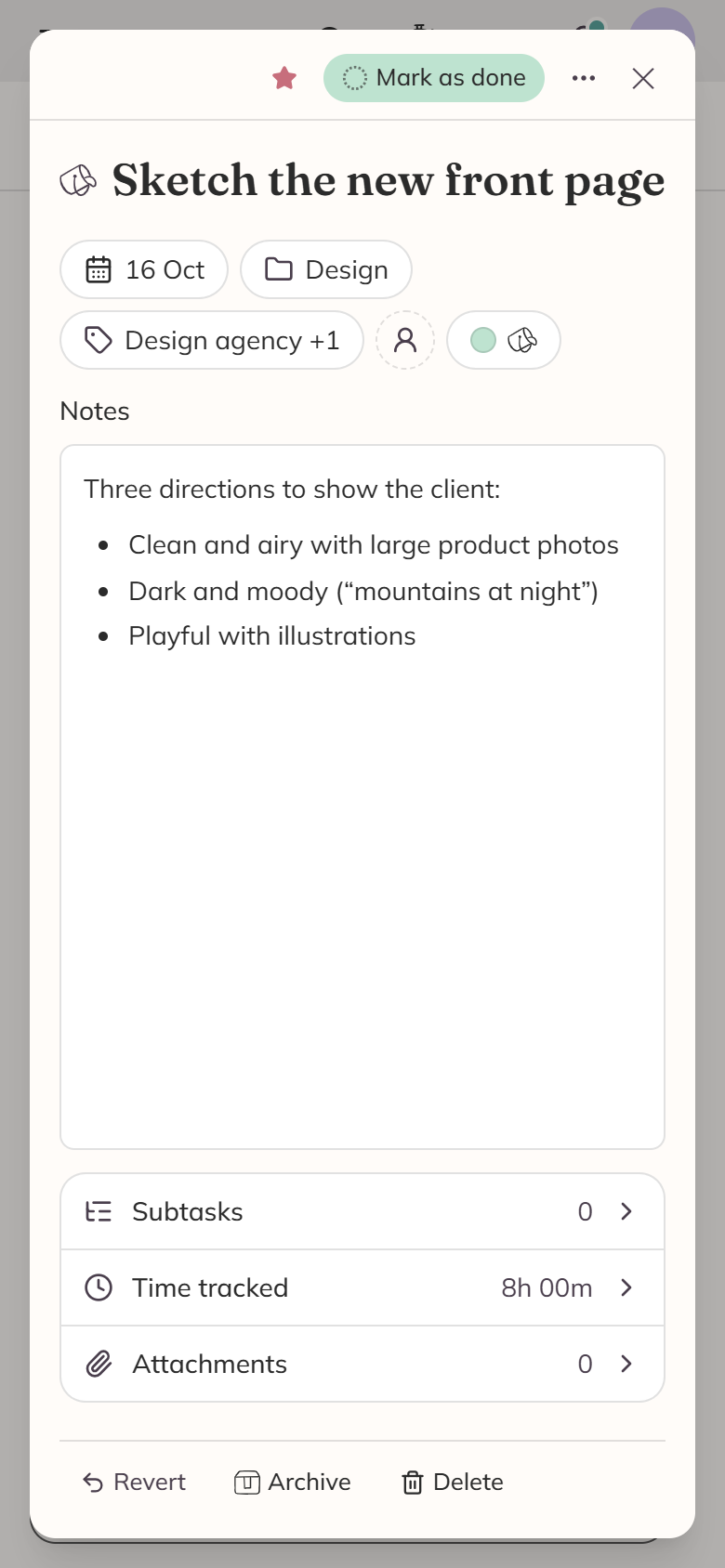
The fields are buttons across the top. Each one shows you what the task has on it, and tapping one opens it. The notes start right under them, so you can read them without scrolling. Subtasks, Time tracked and Attachments are rows below that, each with its own count, and each one opens when you tap it.
When you tap the date button, the calendar opens as a panel across the foot of the screen, where your thumb already is. The shortcuts are buttons above the month, and the start date is in there too, under the calendar.
The notes are just text until you tap them. The formatting bar has bold, italic, the three kinds of list, a link and a picture on it, and More formatting holds the rest. When you tap anywhere else in the panel, the notes go back to being something you read.
Your favourites are two taps away
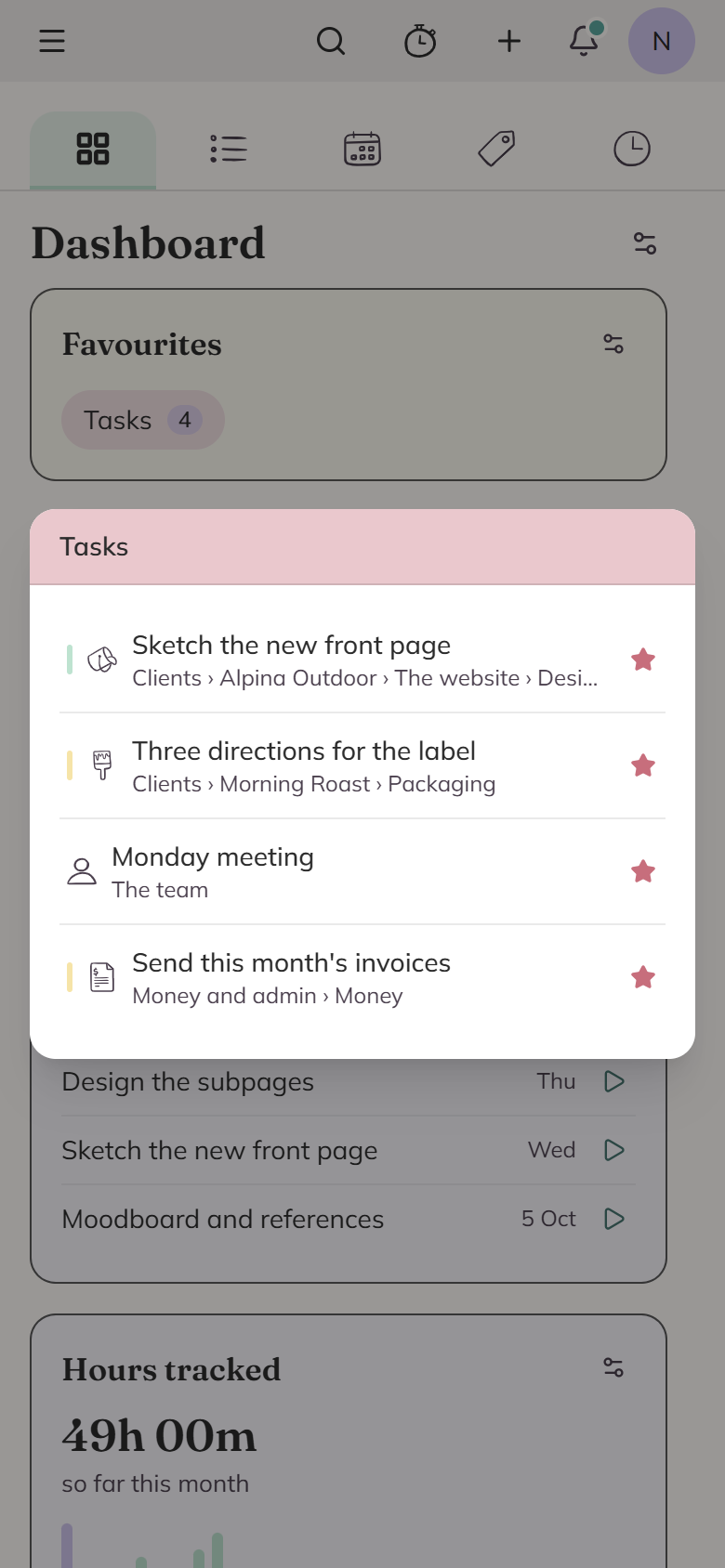
When you star something, you can get at it without going through the whole category tree. On a phone the Favourites card is one button per group, with a count on it. When you tap one, the list opens, and every row shows which category it's in, under the name, with a star to take it off the list again. A group with nothing in it gets no button.
When you tap a task, it opens there on the Dashboard.
The tree is behind the menu button
Every row carries a ⋮ menu with everything you can do to that category, starring included.
On a big screen you see the star on a row when the pointer is over it. A phone has no pointer, so we put the star on every row all the time, next to the menu button.
A category you've already starred keeps its star, so you can see at a glance that it's a favourite.
You can move the Dashboard sections about
They are one column on a phone, so the order matters more than it does on a laptop. You can use Move up and Move down in a section's own menu to step it through the stack. You can also press and hold a section until it lifts, and then drag it where you want it.
Settings get a screen of their own
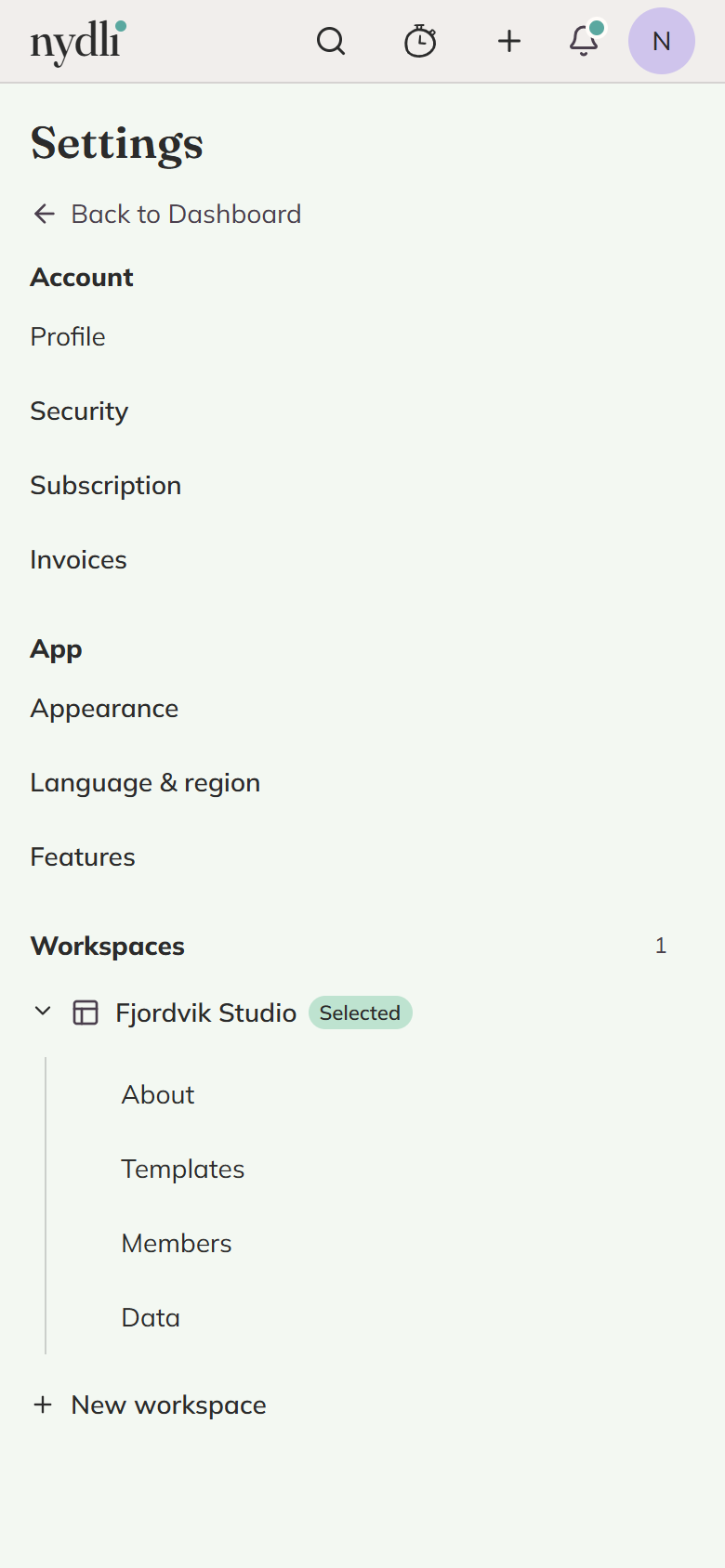
On a wide screen the settings sections run down the side of the page you're reading. On a phone they get a screen of their own, and when you open one, you go to it, with a way back at the top.
What a phone is less good at
Dragging is the main one. You reorder your categories and your favourites by dragging them about, and that needs a pointer and a bit of room. The arrow keys do the same job, but a laptop is the easier place for a tidy-up.